Three ways to publish an exhibition.
Follow a repaired bowl through a fictional exhibition to see how three approaches to content management organise the same material.
See the three approachesArtworkA repaired bowl
- Made by
- The artist
- Shown in
- Objects That Stay
- Documented in
- The catalogue entry
How the work differs
Page-oriented CMSs organise material around individual pages. Some CMSs, including Drupal, let teams define content types and connect records through reference fields. Connectome Studio makes each connection between cards a named relationship with a written reason. See Drupal’s content structure guide.
Page-oriented CMS
The bowl’s image and caption are part of the exhibition page.
CMS with content models
The bowl has its own record. A configured field points to the exhibition.
Connectome Studio
The link between the cards records what connects them and why.
Build the exhibition site
Page-oriented CMS
Create a show page with dates, images and interpretive text. Add the bowl and its caption to that page.
CMS with content models
Set up content types for exhibitions and artworks. Add a reference field to connect the bowl’s record to the show.
Connectome Studio
Give the exhibition, each artwork and each artist a card with a stable address. Link the bowl to the show as “shown in” and note that the exhibition checklist lists it.
Give visitors ways to explore
Page-oriented CMS
Let visitors browse the programme and follow links the editor adds to the page.
CMS with content models
Configure a view that lists the works in a show. The site can also use the records for a purpose-built map or timeline.
Connectome Studio
Let visitors follow the bowl to its maker, exhibition or catalogue source. A site can use those same linked records to build other views, as the atlas below does.
Keep the show discoverable
Page-oriented CMS
Keep the show page online and link to it from the list of past exhibitions.
CMS with content models
Reuse the bowl’s record in an archive view and link it to later shows through the configured reference fields.
Connectome Studio
Keep the same artwork card and exhibition history available after closing. A later show can link back to that card, letting visitors trace where the work has appeared over time.
Review and publish changes
Page-oriented CMS
Review and publish the show page using the platform’s editorial workflow.
CMS with content models
Review the separate records and their references. Drafts and approvals depend on the platform and its configuration.
Connectome Studio
Editors work with readable Markdown and YAML files. A person reviews any AI-assisted proposal, then previews and publishes through a separate site build.
Live experiment
Vredeburg Historical Atlas
One set of linked records about Yogyakarta feeds the atlas’s map, timeline, relationship graph and reading pages. A visitor can start at Gedung Agung, follow a dated event, and check the heritage reference behind it.
Read the atlas case study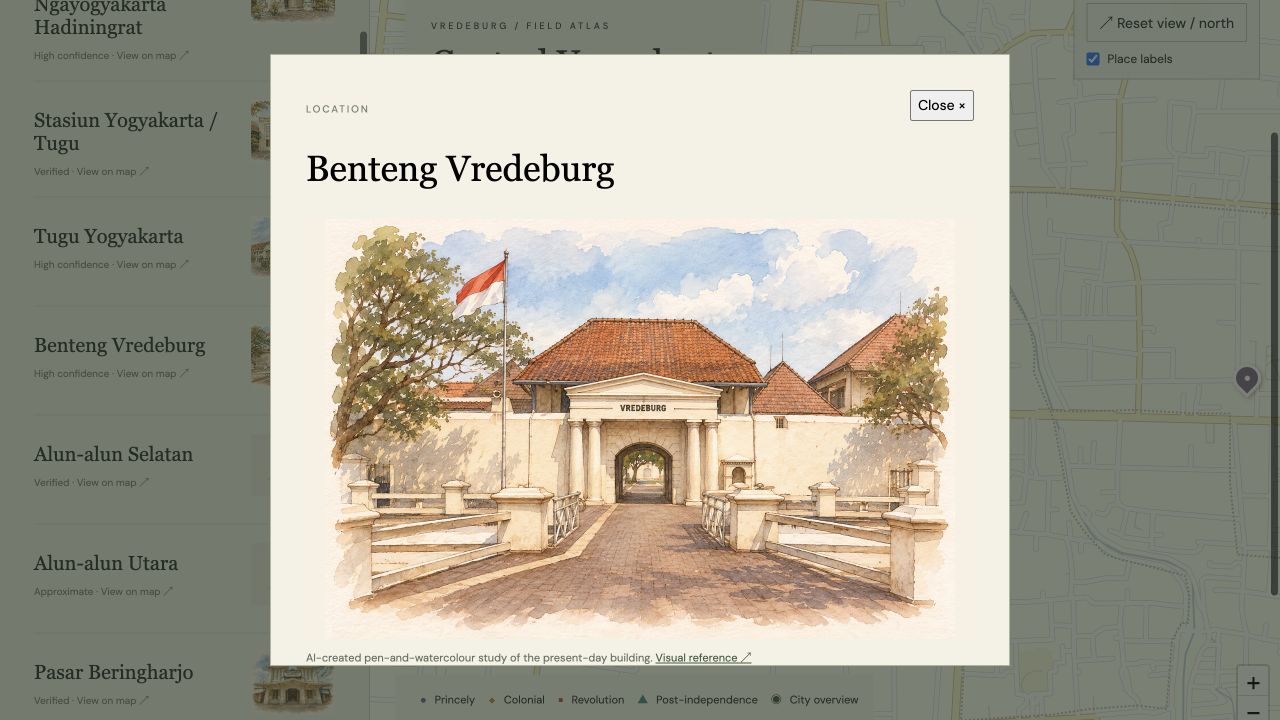
Which fits your team?
Connectome is in development. Automatic suggestions from social or calendar updates and tools for larger collections are on the roadmap.